Small Business Saturday 2026: A 9-Day Marketing Checklist for Google, AI Search, Social and Calls
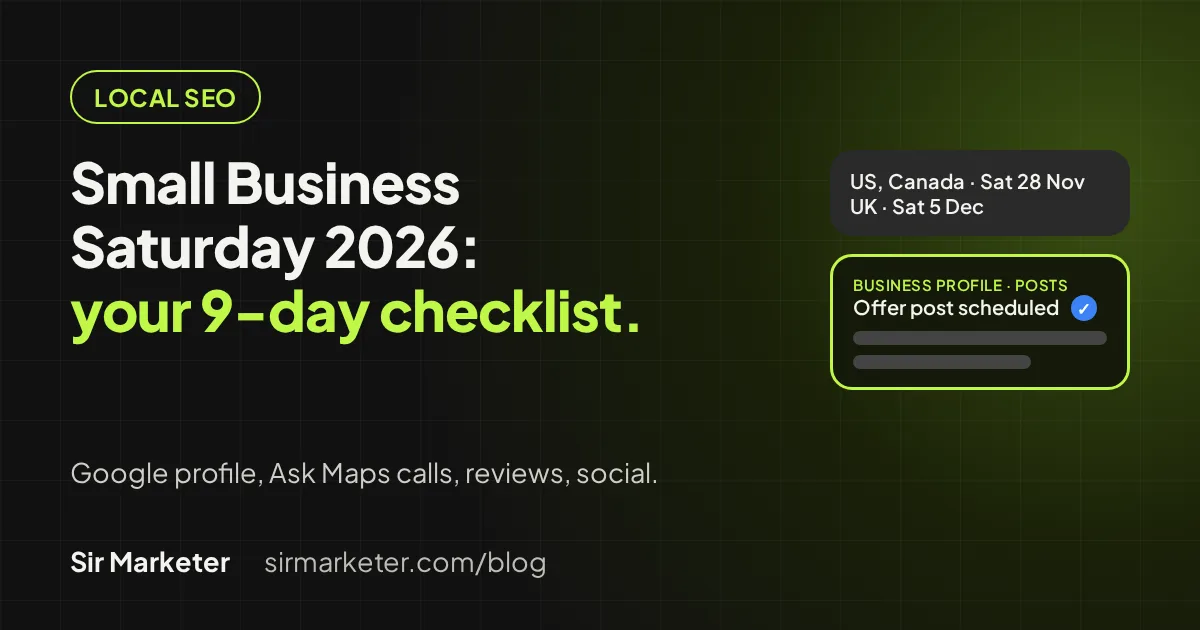
Quick answer: Small Business Saturday 2026 is Saturday 28 November in the US and Canada, and 5 December in the UK. In the next nine days, set special hours and an offer post on your Google Business Profile, ask for reviews, schedule social posts, email your customers, and make sure every call gets answered, including Google’s new AI calls.
When is Small Business Saturday 2026?
There are three dates to know, depending on where your customers are:
| Country | Date in 2026 | Who runs it |
|---|---|---|
| United States | Saturday 28 November | Founded by American Express in 2010, co-sponsored by the SBA since 2011 (SBA) |
| Canada | Saturday 28 November | Canadian Federation of Independent Business (CFIB) (CFIB 2026 event checklist) |
| United Kingdom | Saturday 5 December | Small Business Saturday UK, supported by American Express (Small Business Saturday UK) |
In the US it always falls on the Saturday after Thanksgiving, so this year it sits between Black Friday and Cyber Monday (American Express). The UK day is the first Saturday in December, which gives British businesses one extra week (Small Business Saturday UK).
If you run a business in Australia or Singapore, the dates above won’t apply to you, but the checklist below works for any busy December weekend.
What shoppers and owners say this year
American Express published its 2026 Shop Small Impact Study on 11 November, ahead of the US day (American Express via Business Wire). It surveyed 1,008 US consumers and 503 US small business owners in September. A few findings matter for your marketing:
- 88% of consumers agreed they are likely to shop at small businesses this holiday season, the highest level since 2012.
- Discovery runs on trust. Recommendations from friends and family are the top way consumers choose a small business (65%), followed by customer reviews (45%) and social media posts (39%).
- 96% of owners say they are using new strategies to prepare for the holidays, and 90% expect to use AI tools for marketing, operations or personalization.
- 80% of owners say the day can build customer relationships that last beyond the season.
So the work for the next nine days is clear. Make it easy for someone who heard about you to find you, trust you and reach you, and capture their details so you can bring them back in January.
What changed on Google this month
Two Google updates from the past week affect how holiday customers find and contact local businesses.
Ask Maps can now find appointments and call you
On 16 November Google started rolling out Ask Maps features “just in time for the holidays”. In the US, people can ask Ask Maps to find beauty, pet care, auto and home repair appointments online and call local businesses for them, for example “Find me a 4 p.m. nail appointment near me” (Google, 16 November 2026). Ask Maps is also expanding to 30 countries in Europe, including the UK, though appointment finding starts in the US (Google).
Google’s Business Profile help page says it may call a business on a customer’s behalf to book an appointment or confirm the price and availability of a service, and verified businesses can manage those calls in their profile’s advanced settings (Business Profile Help). Search Engine Journal notes Google hasn’t said whether Ask Maps calls follow that same setting (Search Engine Journal, 16 November 2026). Either way, a missed call can now be a missed booking from someone who never picked up the phone themselves. We covered how to handle these calls in our guide to Google’s AI calling local businesses.
Google tag and Tag Manager are merging
On 17 November Google said each Google tag is becoming a Tag Manager container. It says the in-page behavior of existing tags won’t change, and sites with an unsupported installation will get the upgrade in January 2027 (Tag Manager release notes). Google lists loading a G-, AW- or DC- ID through a Tag Manager gtm.js snippet as unsupported (Tag Manager Help). The practical advice for this month: check your tracking works now, and don’t rebuild it during your busiest week.
The 9-day checklist (19–28 November)
Each step takes under an hour. UK businesses can shift every date by one week.
Thursday 19 – Friday 20: Google Business Profile
- Set special hours for Thanksgiving week and the weekend. Google lets you set special hours for holidays and events, and recommends confirming your hours for official holidays even if they don’t change (Business Profile Help). Your main hours must be set to “Open with main hours” for special hours to show.
- Add an Offer or Event post. Offer posts need a title, dates and times and get a “View Offer” button; you can add a coupon code, link and terms. Event posts take start and end dates. You can schedule posts ahead (Business Profile Help). Avoid putting a phone number in the post text; Google may reject posts with numbers it can’t verify as yours.
- Refresh photos of your storefront, window display or best sellers, and check your categories and services. Our Google Business Profile optimization guide covers the rest.
Saturday 21 – Sunday 22: your website
- Put the offer, your weekend hours and your address at the top of the home page.
- Open your site on a phone and test every button: call, directions, booking, checkout and contact form.
- Make sure the hours and offer on your site match your Google profile and social pages exactly.
Monday 23: join the official campaigns
- US: the SBA points owners to free Small Business Saturday marketing materials, including posters and social media resources (SBA). American Express card-accepting businesses that meet its eligibility rules can add or update a listing on the Shop Small Map (American Express Shop Small Resource Hub).
- Canada: CFIB’s toolkit includes a free poster and social templates, and its checklist reminds you to make sure your business info is accurate on directories like Google Maps (CFIB).
- UK: download the Small Business Saturday UK marketing pack with logos, social media assets and campaign materials (Small Business Saturday UK).
Tuesday 24: reviews
Reviews are the second most common way shoppers choose a small business (Shop Small Impact Study). Text or email ten recent happy customers a direct link to leave a Google review, and reply to every review from the past month, good or bad. Don’t offer discounts or freebies in exchange for reviews; Google’s Maps content policy prohibits it (Google Maps content policy).
Wednesday 25: social posts and email
- Schedule three posts: a teaser (what you’re offering), a reminder the day before and a “we’re open” post on the day. Use the campaign hashtag, such as #ShopSmall in the US (American Express) or #SmallBizSatUK in the UK (Small Business Saturday UK via PR Newswire).
- Send one email to your customer list. CFIB’s checklist suggests emailing your list in the last two weeks before the day (CFIB). Keep it short: the offer, the hours, the address and one button.
Thursday 26 – Friday 27: phones and messages
- Decide who answers the phone each hour of the weekend, including when staff are busy with customers.
- Tell your team that some calls may be Google’s automated assistant booking or asking about prices on a customer’s behalf (Business Profile Help). Treat them like a real customer, because one is waiting.
- Turn on a missed-call text back or an AI receptionist so nobody hits voicemail. You can try our missed-call text-back demo.
- Check your Business Profile advanced settings for automated calls are set the way you want (Business Profile Help).
Saturday 28: the day itself
- Post updates through the day. CFIB suggests tagging its accounts, which share businesses’ posts on the day (CFIB).
- Collect new customers’ contact details, with their consent, so you can follow up. CFIB recommends the same (CFIB).
- Write down what sold, which posts got replies and how many calls came in.
How to measure it without breaking your tracking
You don’t need a new analytics setup for one weekend. You do need to know the basics are working:
- Check the tag fires. Load your site and confirm requests reach Google. Google’s help page says to check that a gtag.js installation sends requests to
googletagmanager.com/gtag/jsrather than/gtm.js(Tag Manager Help). If you’re not sure which you have, ask whoever built the site this week, not next week. - Tag your links. Add UTM parameters to the links in your email, social posts and Google offer post so you can see which one sent visits.
- Look at your Business Profile performance the week after: calls, direction requests and website clicks.
- Count missed calls. If your phone system logs them, compare missed calls with answered calls over the weekend. That number tells you whether you need help on the phones for December.
Our analytics and performance tracking service can review your setup before the Google tag changes reach unsupported installs in January.
Printable checklist
- Special hours set on Google Business Profile for 26–29 November (UK: around 5 December).
- Offer or Event post scheduled on your Business Profile.
- Offer, hours and address at the top of your website; buttons tested on a phone.
- Official campaign materials downloaded (SBA, Amex, CFIB or Small Business Saturday UK).
- Ten review requests sent; recent reviews answered.
- Three social posts scheduled; one email sent with tagged links.
- Phone cover planned; missed-call text back or AI receptionist switched on.
- Team briefed on Google’s automated calls; Business Profile call setting checked.
- Tracking checked; nothing rebuilt during the weekend.
- A way to collect new customers’ contact details on the day.
For the longer list, see our local SEO checklist or run your site through our free SEO tools.
Where Sir Marketer can help
Nine days is enough time to fix the basics. It isn’t enough time to rebuild everything, so pick the gap that costs you most:
- Customers can’t find you or your hours are wrong: our local SEO service keeps your Google profile, listings and site in line.
- Calls go to voicemail when you’re busy: an AI receptionist answers, books and texts back around the clock, including calls from Google’s assistant.
- Your website is out of date: we can build a free live website preview so you can see a new version before deciding anything.
- Your social pages are quiet: our social media marketing team plans and posts for you.
Want a second pair of eyes before the weekend? Sir Marketer helps small businesses in the US, Canada, the UK, Australia and Singapore get found on Google and answer every lead. Book a free call and we will look at your Business Profile, website and phone setup with you.
Frequently asked questions
When is Small Business Saturday 2026?
In the US and Canada it is Saturday 28 November 2026, the Saturday after US Thanksgiving. In the UK it is Saturday 5 December 2026, the first Saturday in December.
How can a small business take part in Small Business Saturday?
Run an offer or event, promote it on your Google Business Profile, website, social media and email, and use the free campaign materials from the SBA and American Express in the US, CFIB in Canada or Small Business Saturday UK.
Should I set special hours on Google for Small Business Saturday?
Yes, if your hours change, and Google recommends confirming your hours around official holidays even when they stay the same. Your main hours must be set to Open with main hours for special hours to show.
Can I post a Small Business Saturday offer on Google?
Yes. Google Business Profile Offer posts need a title, dates and times and show a View Offer button. You can add a coupon code, link and terms, and schedule the post in advance.
Will Google’s AI call my business over the holidays?
It might. Google says it can call businesses on a customer’s behalf to book appointments or check prices and availability, and from 16 November Ask Maps in the US can find beauty, pet care, auto and home repair appointments and call local businesses.
Do I need to change my Google tag before Small Business Saturday?
Usually not. Google says existing tags behave the same after the Google tag and Tag Manager merge, and unsupported installations get the upgrade in January 2027. Check your tracking works now and plan any fixes for after the holidays.
Sources
- U.S. Small Business Administration: Small Business Saturday
- American Express: Shop Small on Small Business Saturday
- American Express Shop Small Resource Hub (merchants)
- American Express 2026 Shop Small Impact Study via Business Wire (11 November 2026)
- CFIB: How to Plan a Small Business Saturday Event, 2026 checklist (PDF)
- Small Business Saturday UK
- Google: New Ask Maps features to help with holiday travel and prep (16 November 2026)
- Search Engine Journal: Google Adds Appointment Finding & Business Calls To Ask Maps (16 November 2026)
- Google Business Profile Help: About automated calls and texts from Google to your business
- Google Business Profile Help: How to set Special hours
- Google Business Profile Help: Create & manage posts on your Business Profile
- Tag Manager Help: Release notes, Google tag and Google Tag Manager unification (17 November 2026)
- Tag Manager Help: Set up your Google tag installation correctly for gtag.js
- Google Maps User Generated Content Policy: Prohibited & restricted content
- PR Newswire: Small Business Saturday UK unveils festive advert (9 November 2026)
Written by Utkarsh Arora. Published 2026-11-19. Dates and figures are taken from the organisers’ and Google’s own pages on that date. Survey figures are from American Express’s commissioned study of US consumers and owners.