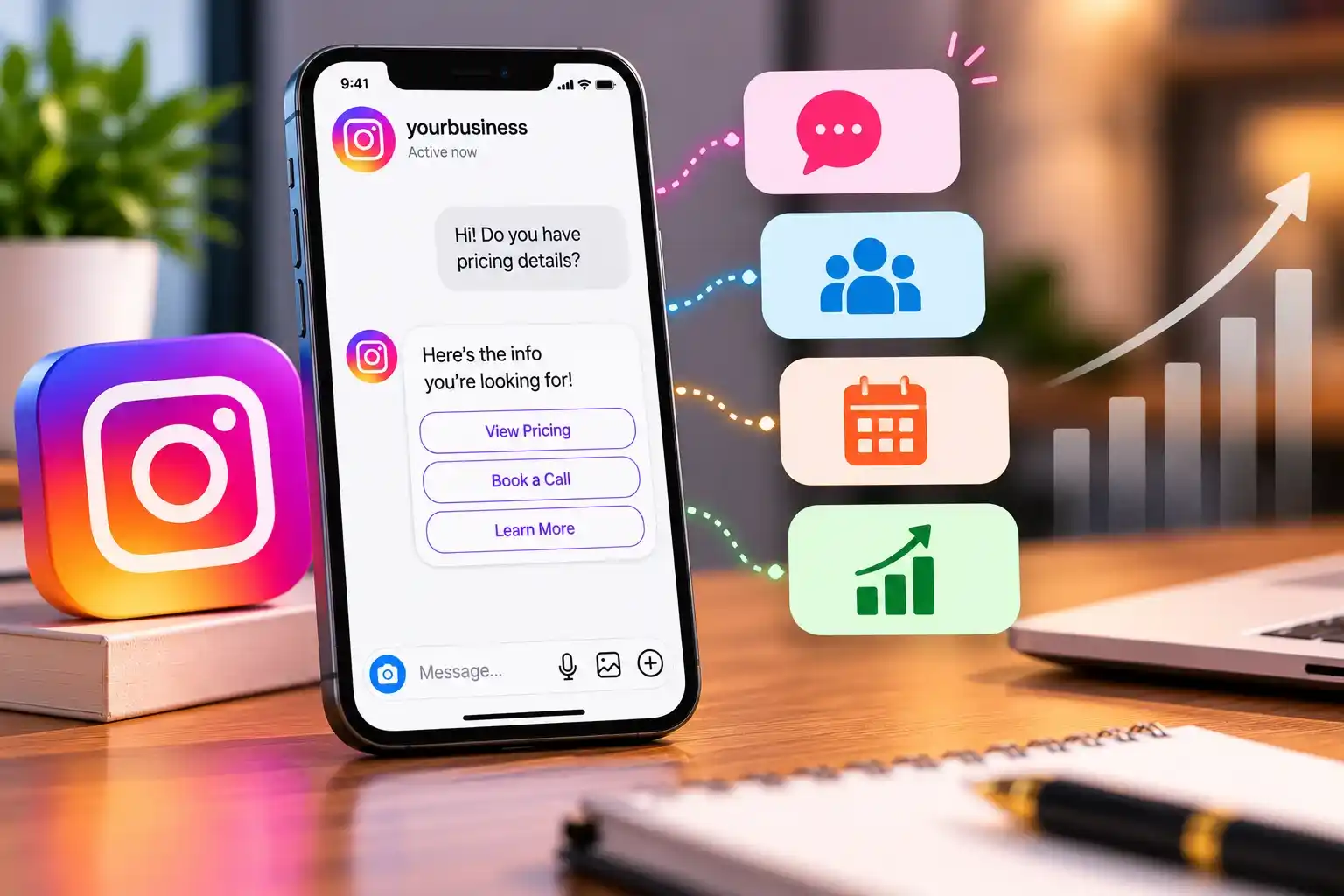
Instagram DM automation uses rules, triggers, and AI to reply to messages, answer FAQs, capture leads, and manage bookings. It helps businesses handle repetitive questions quickly, save time, and improve customer service. To get started, connect an eligible Instagram professional account to an approved tool, create a simple message flow, test it, and provide an option for human support when needed.
Instagram DM automation uses tools to send automatic replies to messages based on keywords, triggers, workflows, or AI. It helps businesses manage conversations, save time, and respond to customers efficiently.
Common uses include:
Done well, automation can speed up first responses, capture lead details through a short flow (collect only what you need), qualify prospects, keep answers consistent, and reduce repetitive work. It also gives you data for better marketing decisions. It does not guarantee more leads, conversions, or revenue.
Decide what you want to achieve, such as answering FAQs, capturing leads, booking appointments, or sharing resources.
Ensure your Instagram account meets the requirements of your chosen automation tool. Most tools require a professional account and specific permissions.
Select Instagram’s native features, a third-party automation tool, or a custom solution using Meta’s APIs, depending on your needs and budget.
Follow your chosen platform’s instructions to securely connect your account through its authorized integration.
Choose an action that starts the automated conversation, such as a user sending a keyword like “GUIDE.”
Create a friendly, relevant reply that delivers the promised information and guides users toward the next action.
Organize your messages with simple options, clear instructions, and an easy way for users to contact a real person.
Check that triggers, replies, buttons, lead forms, CRM integrations, and human handoffs work correctly.
Activate your automation, review its performance, fix errors, and update messages as needed to maintain a smooth user experience.
Capabilities and plans change, so verify details on each vendor’s site. Pricing, including free tiers, was changed by several vendors in 2026 and published figures conflict, so check each official pricing page.
Platform |
Best-Fit Use Case |
Relevant Features |
Integration Considerations |
Pricing Information |
|---|---|---|---|---|
Comment funnels and keyword flows
|
Instagram automation, flow builder; some features vary by plan
|
Check which integrations your plan includes
|
Free tier and paid plans; see official pricing
| |
Multichannel Meta chatbots
|
Instagram, Facebook, WhatsApp; AI depends on plan
|
Verify per plan
| ||
Teams needing a shared inbox
|
Shared inbox, workflows, routing
|
CRM and ecommerce integrations offered
|
See official pricing
| |
No-code bots alongside email
|
Visual chatbot builder, Instagram flows
|
Part of a wider marketing suite
|
Has offered a free plan; confirm limits
|
MobileMonkey rebranded as Customers.ai in 2023 and now centers on other use cases, so verify before considering it for Instagram.
No tool suits every business. Match it to your workflow, team size, integrations, and budget. When working out how to choose an Insta DM automation tool, also weigh trigger support, AI features, human handoff, analytics, data controls, vendor support, and ongoing maintenance. The cheapest option is not always the best.
Free plans from vendors can cover basic workflows, but typically limit contacts, features, AI, or integrations. Paid costs depend on contact volume, advanced workflows, AI usage, team seats, and integrations. Setup and maintenance services are separate from software fees. Budget around your actual needs, not feature lists.
A business invites people to comment a keyword on a post or reel. Through Meta’s Private Replies feature, an eligible comment can prompt a single private message. Further messages generally require the person to reply, which opens the standard messaging window. This is a response to a user’s action, not unsolicited promotion. It does not allow unlimited messages, so verify current limits with Meta and your tool.
Rule-based automation follows set conditions. AI can interpret questions, classify inquiries, suggest replies, route conversations, and summarize threads, depending on the tool. Not every tool includes AI. Risks include inaccurate answers and outdated information, so use approved business content, test thoroughly, set boundaries for sensitive topics, and provide human escalation.
For leads: respond to interested people, ask a few qualifying questions, segment by their answers, route to the right team or CRM, and follow up only within permitted windows. A DM is not automatically a qualified lead or a sale, so track downstream outcomes.
For support: automate FAQs, product details, booking questions, and after-hours acknowledgments. Account-specific answers need reliable data access. Escalate complaints and complex issues, and never imply a problem is solved until it is.
These points come from Meta’s documentation (see Meta’s messaging policy overview); the rest is general best practice.
Review workflows regularly, since rules change.
Track response time, conversation volume, flow engagement, lead capture and qualification rates, bookings, handoff rate, conversions, and revenue where attribution is reliable. Definitions vary by tool. Set a baseline first and avoid assuming benchmarks.
Avoid choosing a tool before setting a goal, automating everything, writing long messages, skipping tests, ignoring failed integrations, sending irrelevant promotions, and leaving flows unattended. Instead, start small, automate repetitive tasks, keep information current, offer human help, and use authorized integrations.
Factor |
Manual Replies |
Insta DM Automation |
|---|---|---|
Depends on staff availability
|
Can acknowledge instantly
| |
Repetitive questions
|
Time-consuming
|
Well suited
|
High
|
Template-based, limited
| |
Complex issues
|
Better suited
| |
Manual
|
Structured questions
| |
Scalability
|
Limited by headcount
|
Scales with setup
|
Low
|
Ongoing review needed
| |
Human oversight
|
Built in
|
Must be designed in
|
The two work best together.
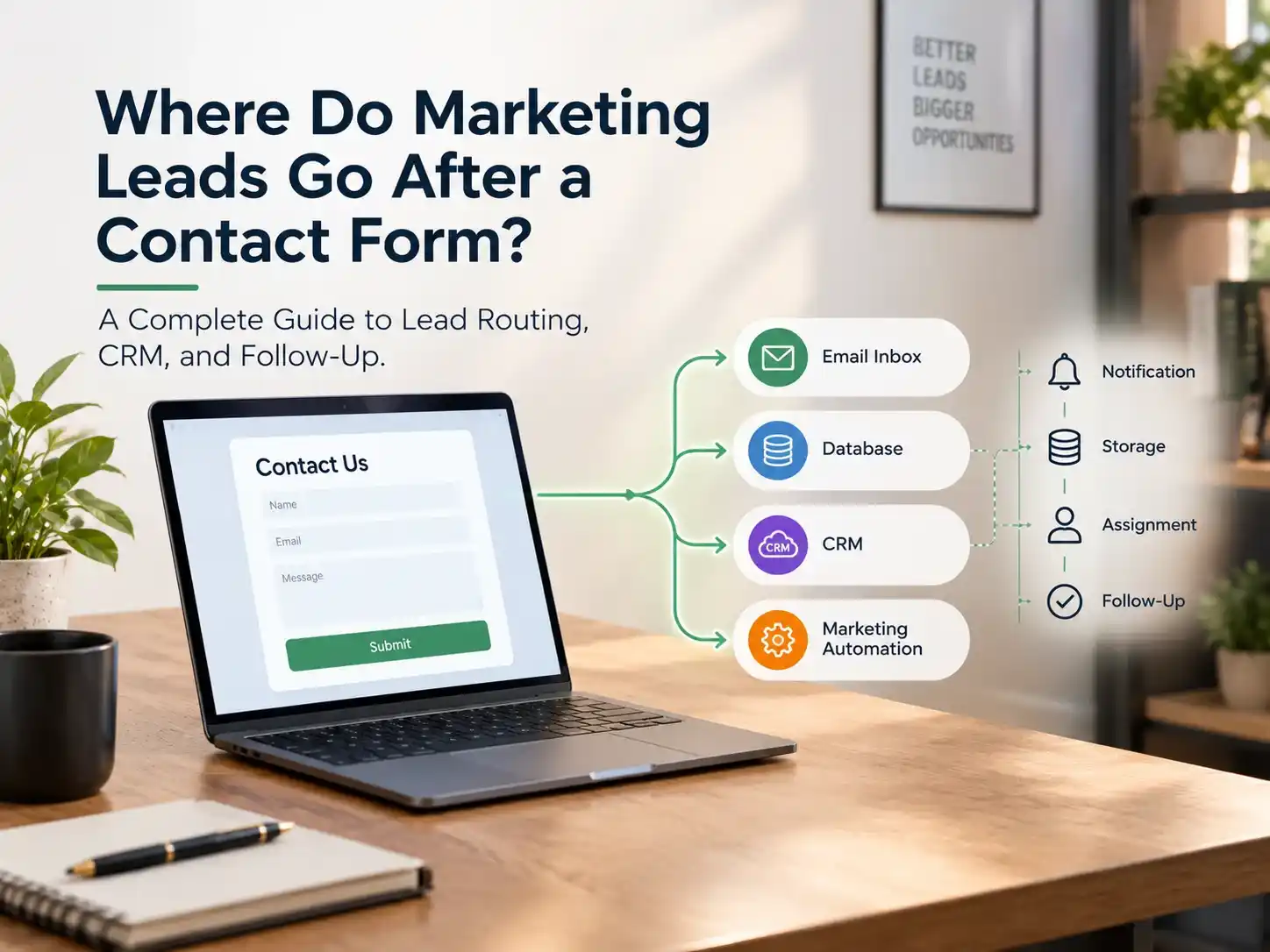
Sir Marketer LLC is a digital marketing agency. Its Instagram Bot Services page describes DM automation, comment-to-DM flows, AI chatbots, CRM integration, and analytics. It pairs well with lead generation and social media marketing. For routing, see where marketing leads go after a contact form. To discuss your workflow, contact Sir Marketer.
It suits businesses with repetitive, predictable messages and a clear goal. Choose a tool that fits your workflow, test it, keep humans available, follow Meta’s current rules, and measure real outcomes. Review your messaging workflow and decide what to automate first.
Software-driven replies to eligible Instagram messages using rules, triggers, or AI.
Connect an eligible account to an approved tool, set a trigger, write a message, test, and launch.
Some vendors offer limited free plans. Instagram’s native features are basic.
ManyChat, Chatfuel, Respond.io, and SendPulse are options. The best depends on your needs.
Use native saved replies or away messages, or a third-party tool for triggers and flows.
Through supported tools and Meta’s Private Replies, an eligible comment can prompt one private message.
Our team will answer all your questions, We ensure a quick response.